


RequestOps documentation
Step-by-step guides for agents, managers and Jira admins. The same guides are built into the app under Help.
Start here
- What RequestOps doesRequestOps shows what is left before a request is done, and who it is waiting on.
- Your first 5 minutesTurn on one checklist, choose who gets nudged and look at where your requests wait.
- Create a checklistA checklist lists the steps a request needs before it can be done.
- Overview numbers explainedOverview answers one question: are we OK? Every number says what it counts and what it is compared with.
- Ask the customerAsk the customer a question, mark the request as waiting on them, and let RequestOps keep track.
- Settings in one pageSettings is where Jira admins turn things on. It has six groups, and every switch starts off.
Learn by example
Short illustrated walkthroughs, the same ones as in the app's Help. Each plays right in the guide.
-
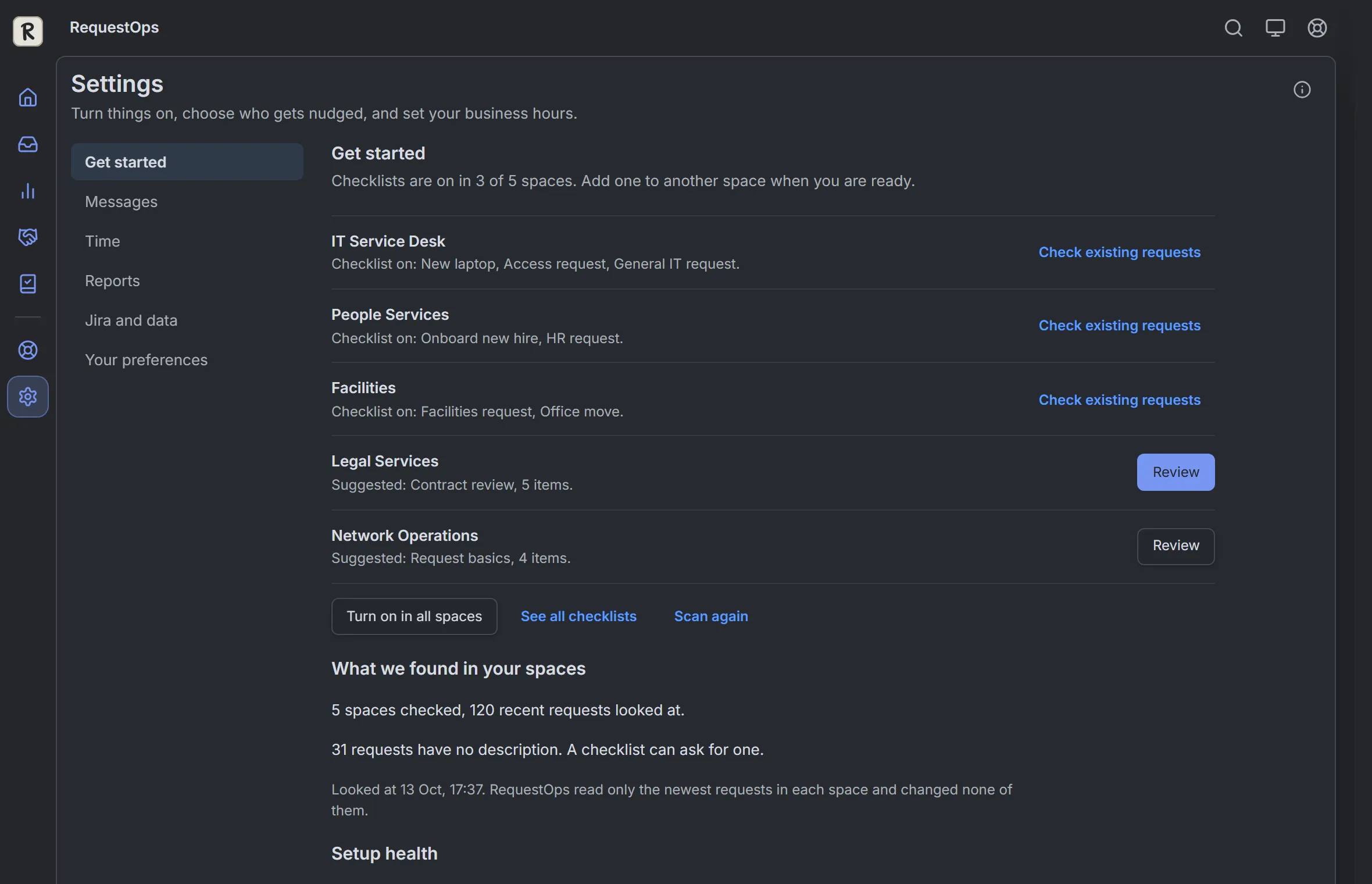 Review and activate your first checklist
 -
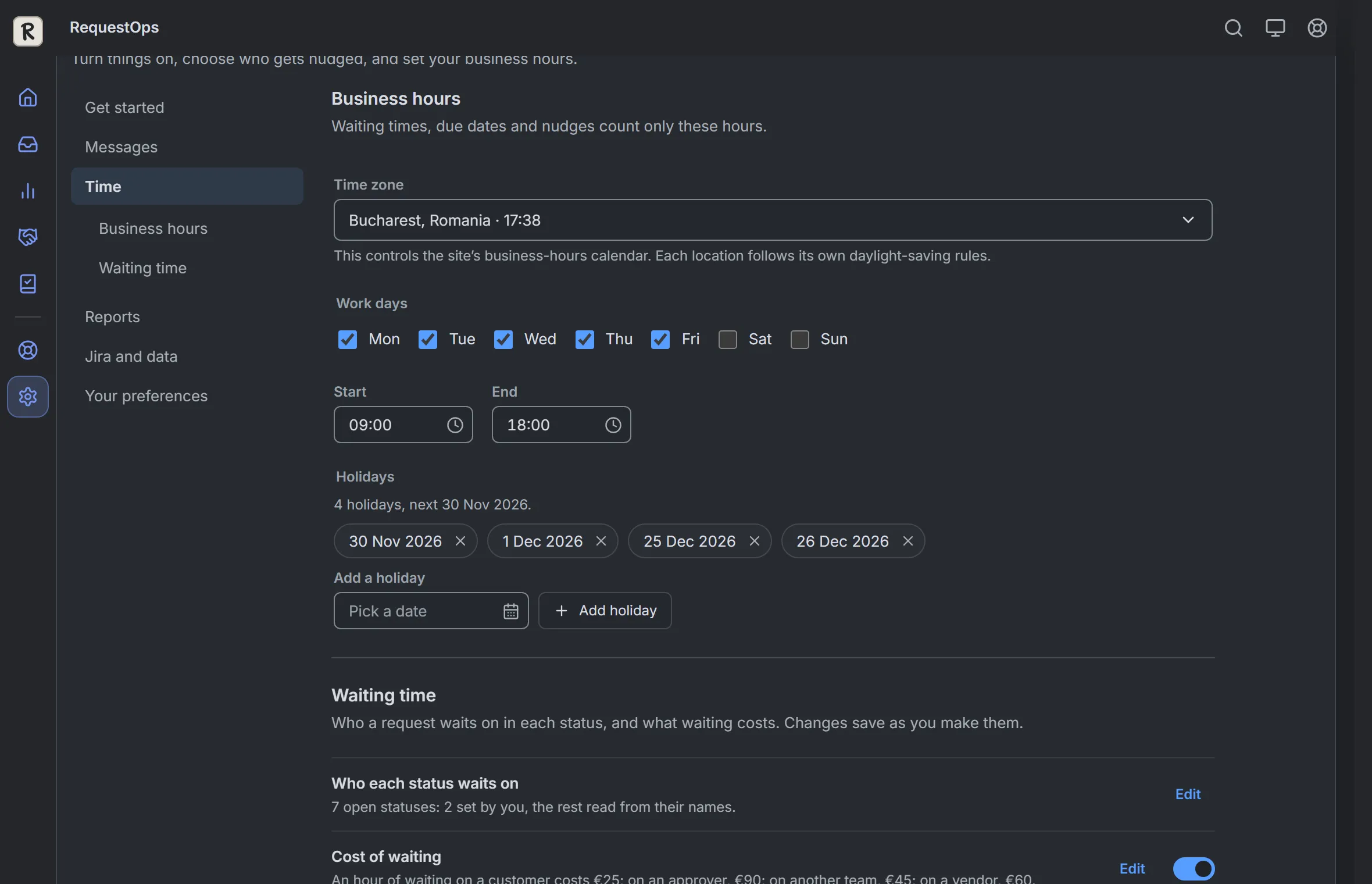 Choose the site timezone and working hours
 -
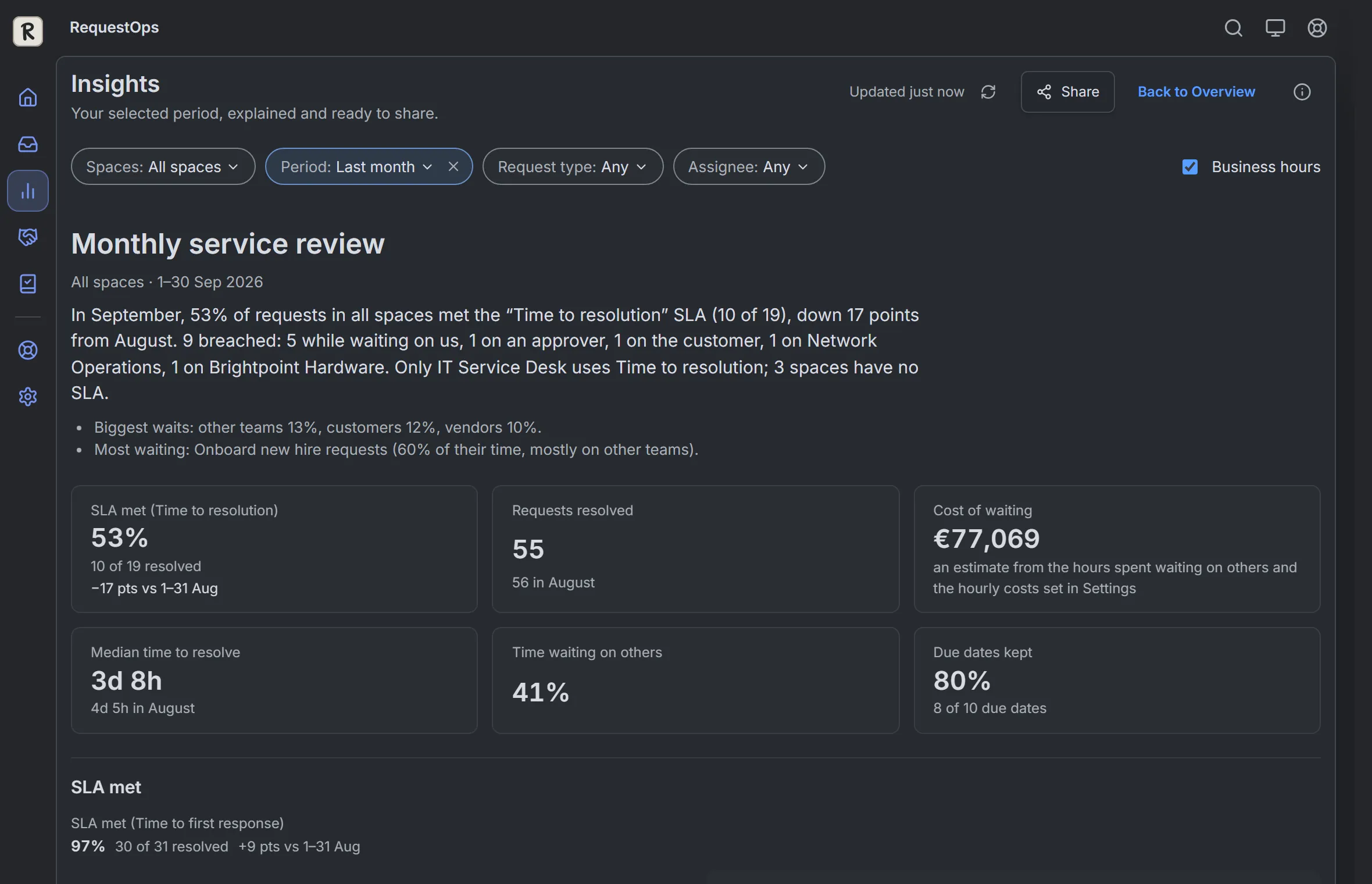 Create and export a manager review
 -
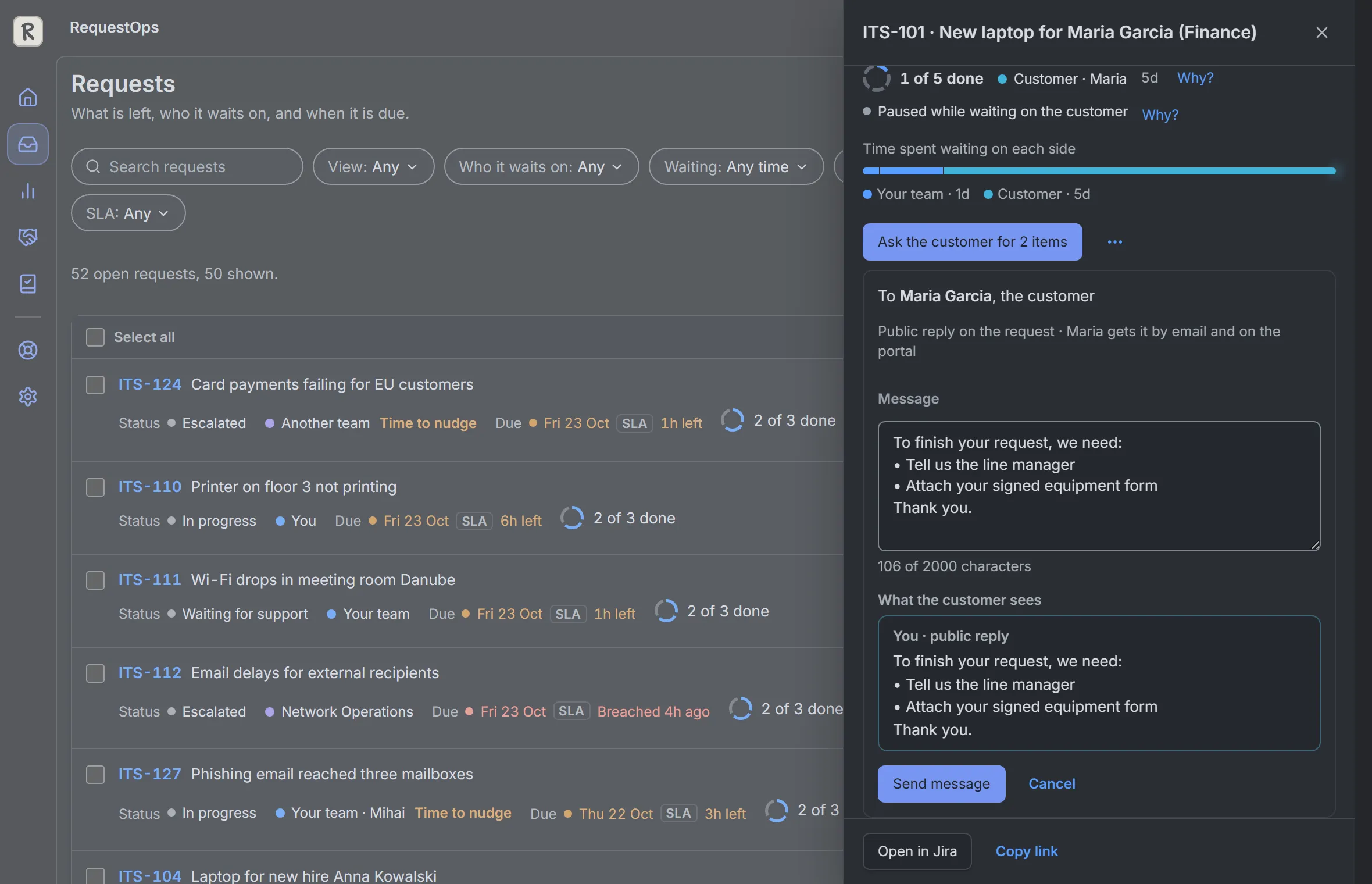 Ask a customer and use Undo
 -
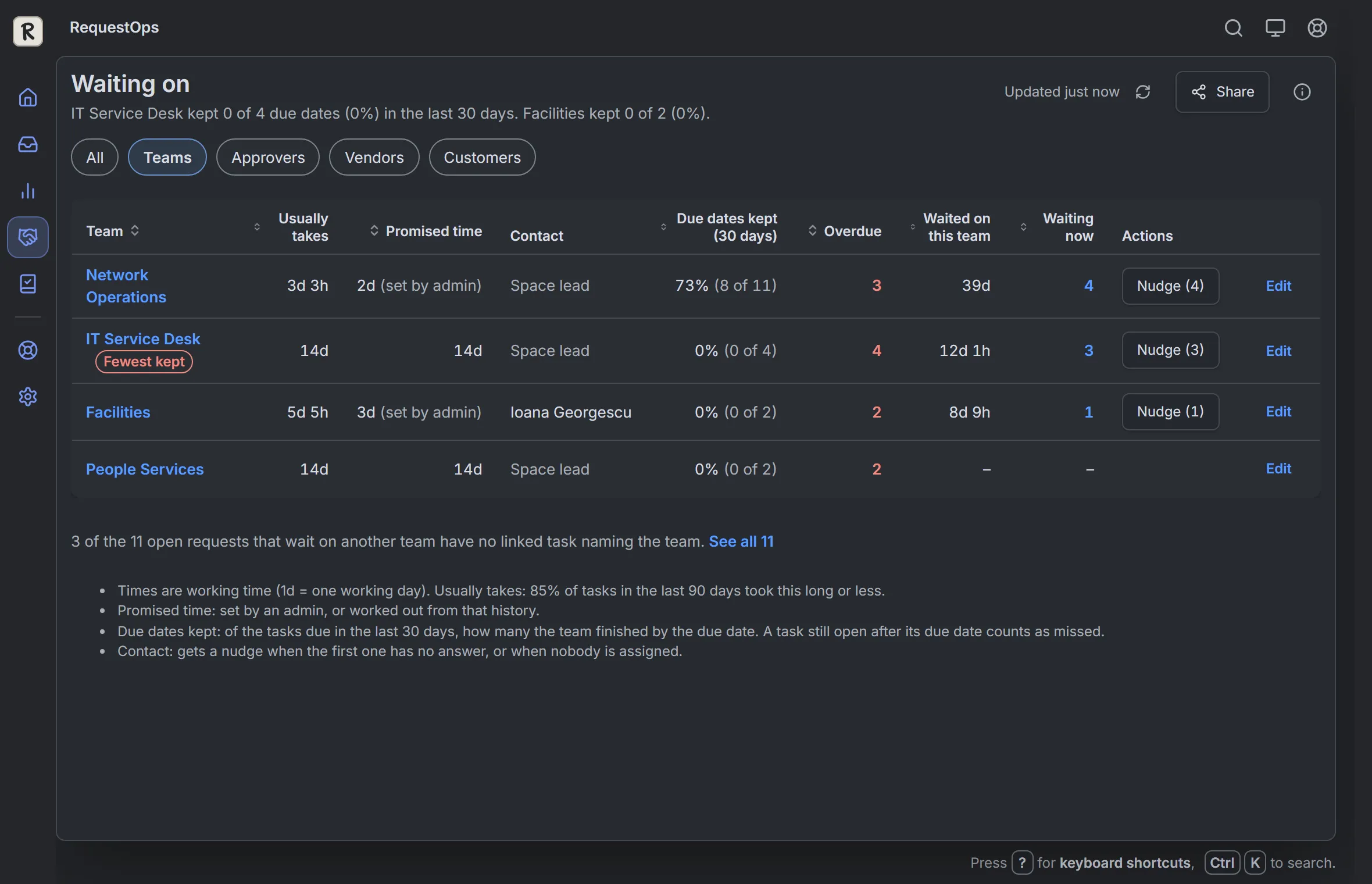 Nudge the team holding a request
 -
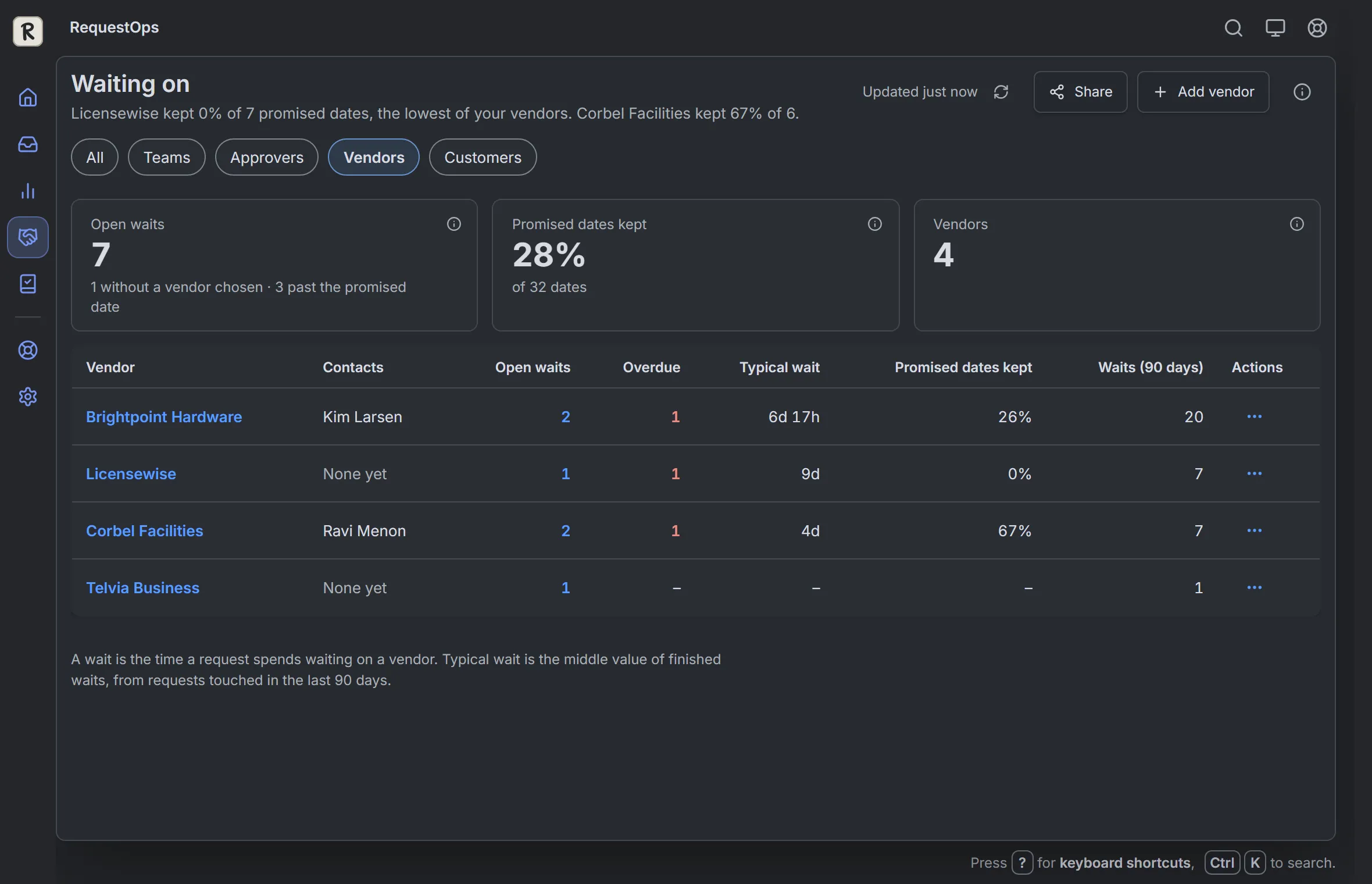 Record a vendor wait
 -
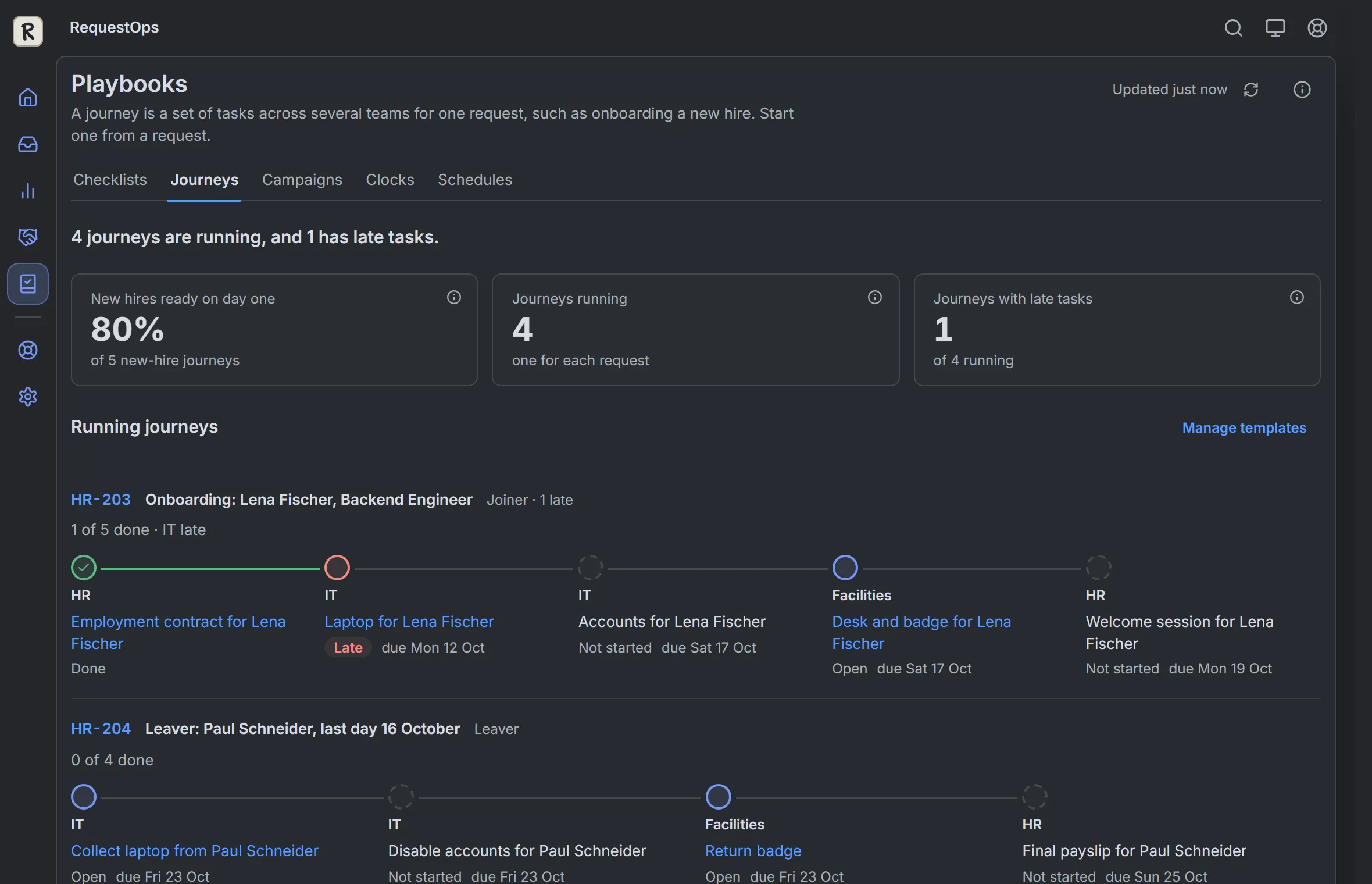 Start and follow a journey
 -
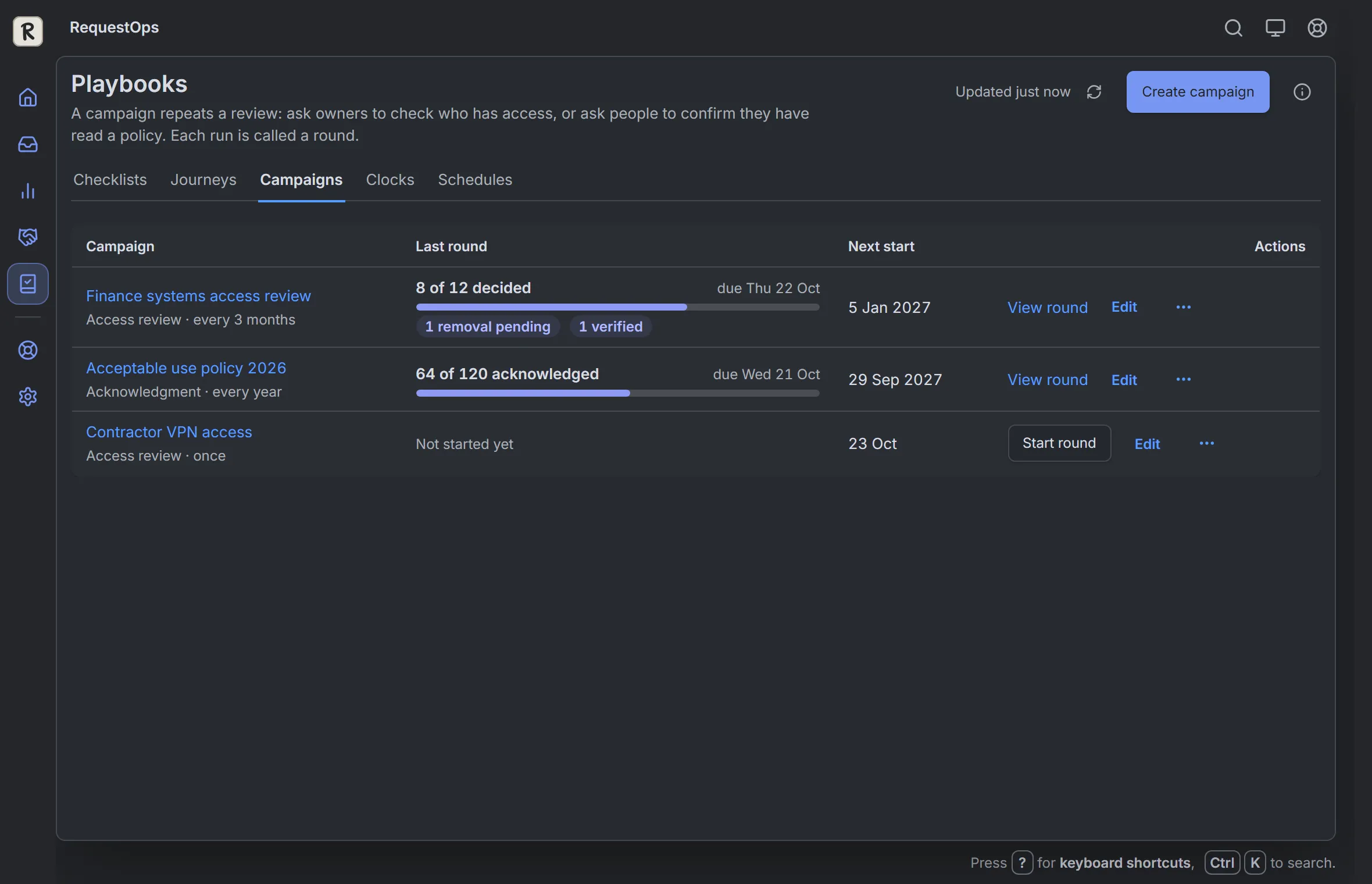 Create and inspect a campaign
Set up RequestOps
Start with one space and a useful first checklist.
Work on requests
Find what needs you and take the next action.
Customers, teams, vendors and approvals
Understand a wait and reach the right person.
Checklists and repeatable work
Define completion and coordinate recurring tasks.
Reports and Insights
Explain performance and share the supporting facts.
Settings, permissions and troubleshooting
Configure safely and understand access and stored data.
All guides
- What RequestOps does
- What RequestOps changes in Jira
- Your first 5 minutes
- See what's left on a request in Jira
- Where your requests waited: your first look
- Who can see what
- Find and filter requests
- Keyboard shortcuts
- Settings in one page
- Overview numbers explained
- The SLA report
- The waiting breakdown
- Tell RequestOps what a status means
- Where the time goes
- Handoffs between teams, and requests that come back
- Workload and auto-assign
- Request history and export
- Business hours
- When a request is usually done
- The monthly service review
- Put RequestOps on a Confluence page
- Put RequestOps on a dashboard
- Create a checklist
- Items RequestOps marks done for you
- Optional items, conditions and sections
- Block Done until the checklist is finished
- Show progress on boards and queues
- The "Waiting on" column in Jira queues
- Record proof for a change
- Ask the customer
- Ask customers again and close unanswered requests
- Reopen on reply
- Wait on a vendor until a date
- Automatic progress updates
- The Waiting on page
- Teams you wait on
- Nudge other teams
- Vendors and nudges
- One-click links for people outside Jira
- Copy links for sign-offs and vendors
- Customer accounts and statements
- See pending approvals
- Set yourself away and choose who covers
- Nudge slow approvers
- Start onboarding or offboarding
- Build a journey template
- Access reviews
- Policy acknowledgments
- Track a legal deadline
- Approved exceptions
- Schedules and renewals
- Reply library and placeholders
- Tell customers when a fix is done
- Blocker alerts
- Use RequestOps in Jira Automation
- Find requests with Jira search (JQL)
- The Rovo agent
- Ask Rovo "Why is this request slow?"
- Import from another app
- What data RequestOps reads and stores
- Why each permission is needed
- Data on uninstall and personal data
- Choose and run a campaign
- Choose a deadline or exception clock
- Choose your animation preferences
- Configure report targets and team grouping