
 Bunlings: sprint apps for Jira





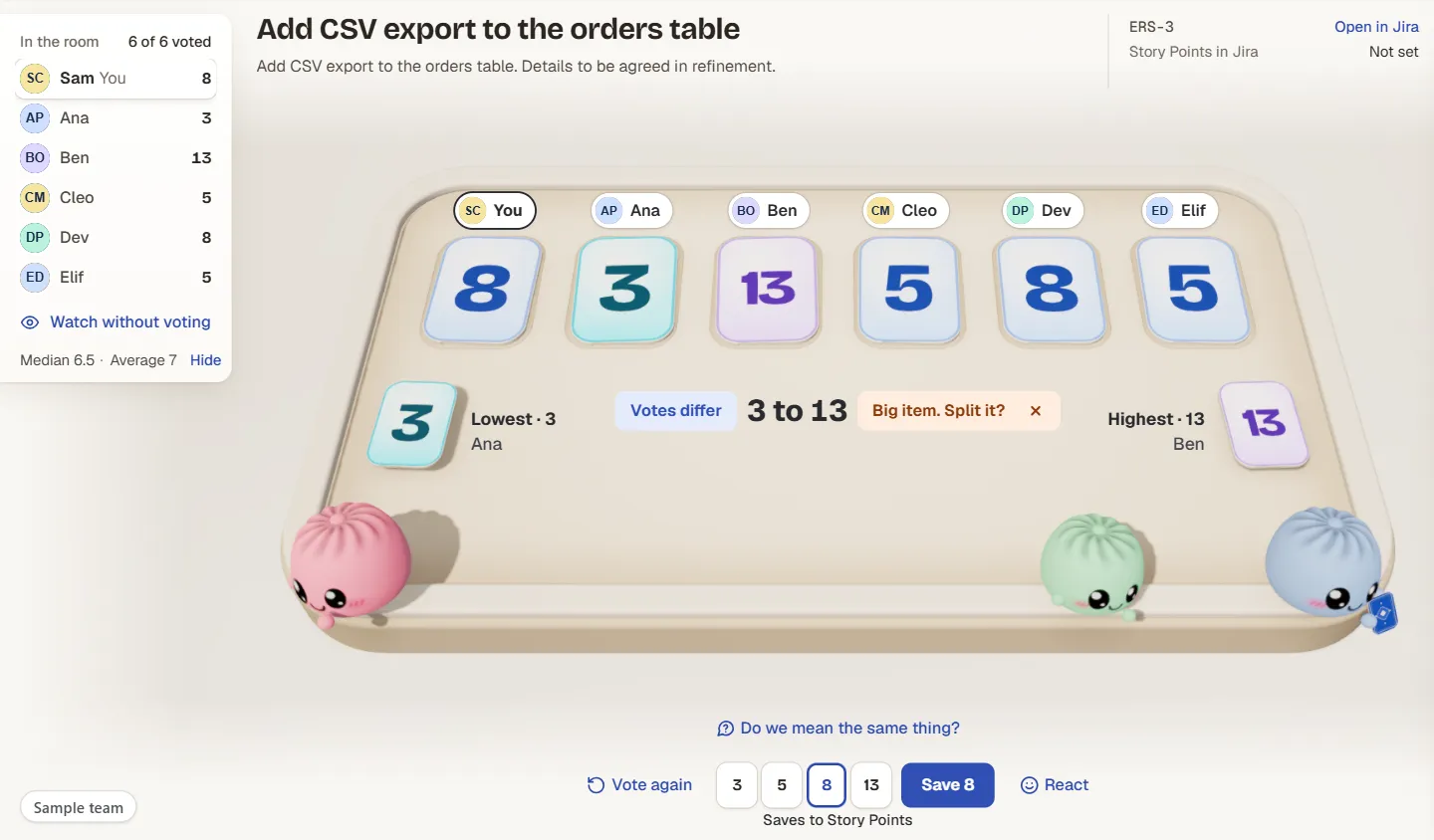
The cards flip. Four people picked a 5 or an 8. One picked a 3. One picked a 13. Everyone looks at the screen, then at each other, and the room goes quiet in the way only an estimation meeting can.
Good. That gap just told you something a row of 5s never would. Here is what to do in the next two minutes, and how to tell a harmless gap from a work item that needs cutting in half.
What should you do when estimates are far apart?
Talk before you vote again. Ask the person with the lowest number and the person with the highest number what they are picturing, one after the other. Then vote again once.
Do not average the votes. A 3 and a 13 do not make an 8. They make two different pictures of the same work, and the number only means something once the team has one picture.
If the second round is still far apart, stop voting. Split the work item, or park it until someone has found out what is missing.
What does “far apart” mean?
It depends on the deck. On Fibonacci (1, 2, 3, 5, 8, 13), neighbours are not a gap. A 5 and an 8 are people being a little more or less careful. A 3 and a 13 are three steps apart, and that is a real disagreement.
A rough rule: one step is a difference of taste, two steps is worth a minute, three or more is a conversation. Use it to decide when to pause, never to score anyone.
Why do votes end up far apart?
Usually one of four things:
- Different scope. One person is estimating the button. Another is estimating the button, the export and the email.
- Hidden knowledge. The 13 is not being difficult. The 13 has opened that file before. The 3 has not.
- Different jobs. A designer, a developer and a tester each see their own slice of the work.
- Unclear work item. Nobody wrote down what done looks like, so everyone filled in the blanks differently.
A second vote fixes none of these. One sentence from the right person fixes all of them.
How do you resolve the gap, step by step?
- Reveal first, then talk. Votes stay hidden until the reveal, so nobody has adjusted to the loudest voice. That is why the gap is honest. Why that matters gets its own page.
- Ask the lowest, then the highest. “What are you picturing?” is better than “why did you say 3?”. The first invites a story. The second invites a defence.
- Check you mean the same thing. Ask everyone to describe the work in ten words or fewer. Differences in the descriptions explain differences in the numbers.
- Vote again once. New information, new cards.
- Decide. If the votes have closed up, agree on a number. If not, split.
The most useful first question is often the plainest one: “What would make this a 13?” The answer is usually a list, and the list is the split.
What do you do for each size of gap?
| Spread | Example | What it usually means | What to do |
|---|---|---|---|
| One step | 5 and 8 | Same picture, different caution | Take thirty seconds, pick one, move on |
| Two steps | 3 and 8 | Different assumptions | Both say what they assume, then vote again once |
| Three steps or more | 3 and 13 | Different pictures, or one hidden risk | Talk first, vote again, split if it stays wide |
| One outlier among agreement | 5, 5, 5, 5, 5, 13 | One person knows something | Ask the outlier first, before anyone defends the 5 |
| Two camps | Three 3s and three 13s | Two readings of the scope | Write both readings down, then split along them |
When is it time to split the work item?
Split when the second round is still far apart, or when the 13 comes with a list. The sign is simple: if you cannot describe one piece of the work in a sentence, it is more than one piece.
Splitting is also a kind of estimate. Each smaller work item gets its own vote, and the pieces nobody could agree on become visible. In Jira, create the smaller work items in the same space and link them to the original, so nobody loses the history.
What does Bunlings show when votes are far apart?
Bunlings is a Jira Cloud app for estimation and retros. When the cards flip far apart, the room says so before anyone has to.
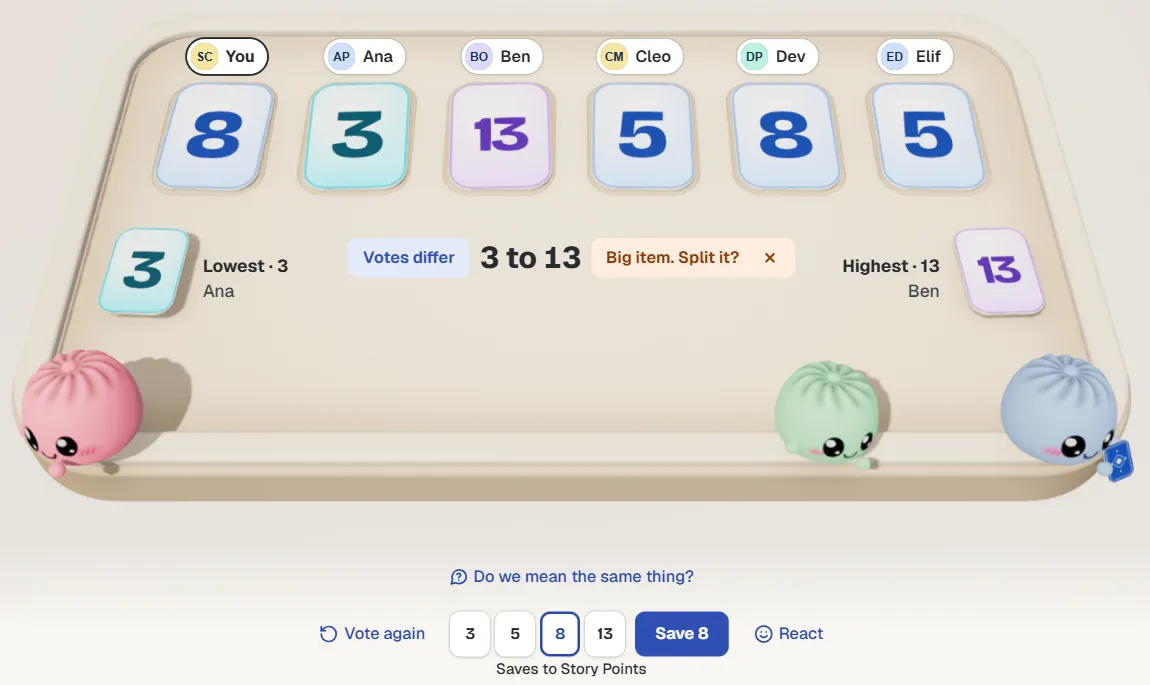
After the reveal: the lowest and the highest card are named, the room says “Votes differ”, and Vote again is one click away. Sample team, not real data.
Here is what you see in the room:
- The gap is named. “Votes differ 3 to 13”, with the lowest voter and the highest voter shown by name, so you know whom to ask first.
- A nudge to split. “Big item. Split it?” sits right there. The room also has a Split it button for turning one work item into smaller ones.
- A prompt to check the picture. “Do we mean the same thing?” sits under the table, right where the talk should start.
- Vote again. One click starts another round.
- Nothing is saved until you say so. Agree (or Save) puts the number in your board’s own estimate field, such as Story Points, as the person who clicked, with 10 seconds to undo.
Everything is a conversation until somebody clicks. That suits a gap: the number is the last thing you decide.
Does the gap matter after the meeting?
It can. The team that saw a 3 to 13 gap on a work item can look back at it when the work is done. Was the 13 right? Was it the one that dragged on?
The retro in Bunlings opens with facts from the sprint’s estimates, and when votes were far apart it says so. Press the plus beside a fact to add it as a card.
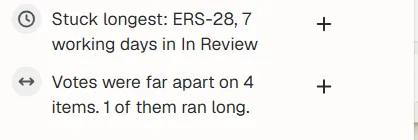
The retro already knows when votes were far apart. The plus turns a fact into a card. Sample team, sample numbers.
A fact is not a verdict. “Votes were far apart on 4 items” does not say the team was wrong. It gives the retro something real to ask about.
Can you do this without an app?
Yes. Everything above works with cards, a call and a shared screen.
| Cards and a call | A shared sheet | Bunlings | |
|---|---|---|---|
| Votes hidden until the reveal | Only if everyone plays fair | Usually not | Yes |
| The gap shown | You spot it | You spot it | The room names the lowest and highest |
| Vote again | Cards down, cards up | Clear the sheet | One click |
| Split | You create work items in Jira | You create work items in Jira | A Split it button in the room |
| The number to Jira | Someone types it | Someone types it | Agree saves it to the estimate field |
The habit matters more than the tool. The native options for Jira Cloud and a longer comparison cover the trade-offs.
What should you remember next time?
A gap is information, so do not hurry past it. Ask, do not argue: lowest first, then highest. One more vote, then agree or split. If the same kind of work keeps landing far apart, give it a retro item of its own. Why estimates are off looks at the pattern, and actions that get done covers what to do about it.
Try it on your next sprint
Bunlings runs inside Jira Cloud, with no outside servers and no new login. It is free for up to 10 users.