Detected direct and derived paths
This keeps the review practical: what to inspect, why it matters, and what should remain a manual check before any Jira cleanup decision.
 UnitlaneJira cleanup tools
Scan all groups, inspect the selected group's detected impact, record the plan, change Jira manually, and Recheck the result.
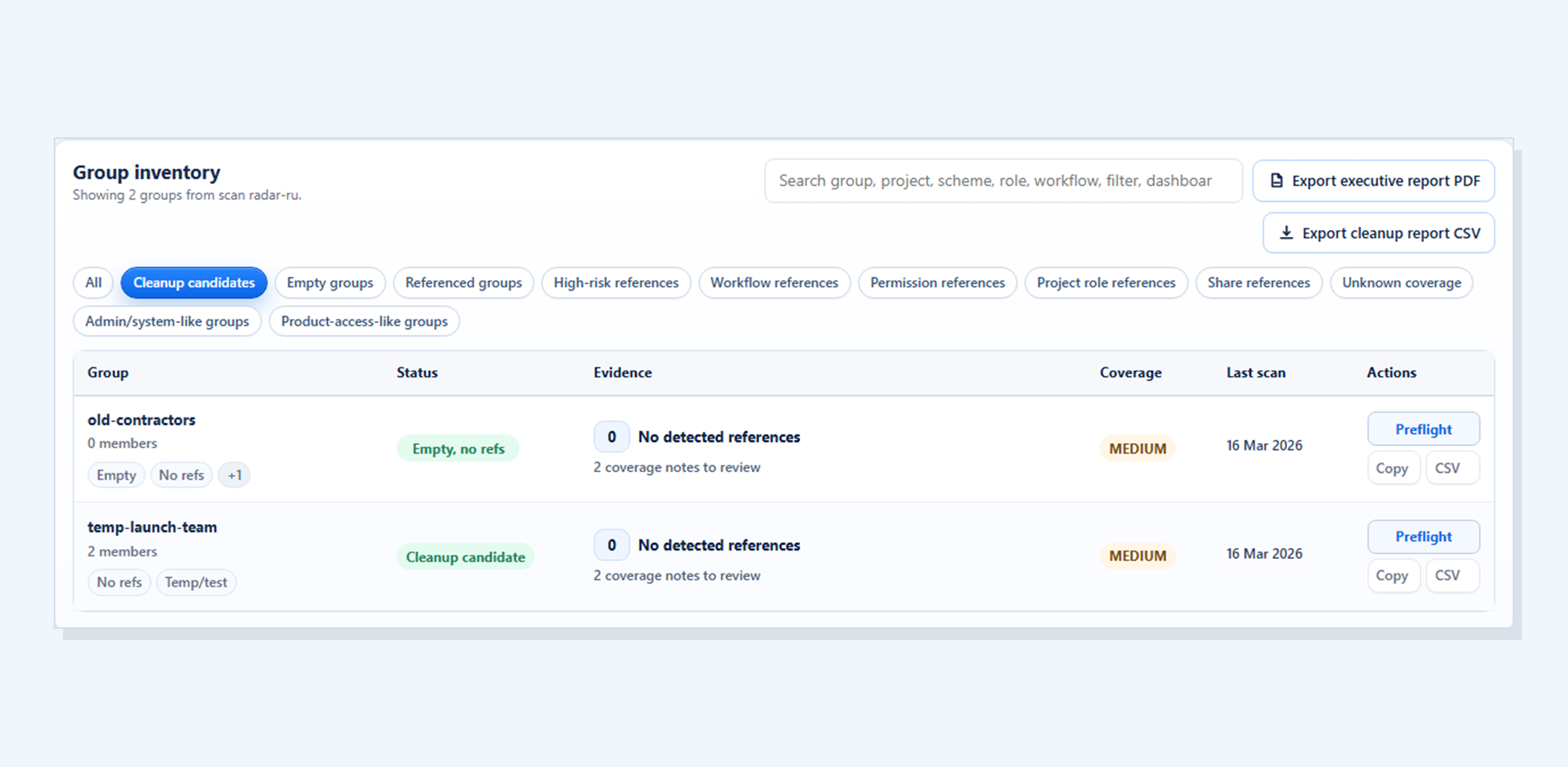
Group Cleanup Radar connects the before-state, intended change, fresh supported-source scan, and coverage boundary.
This keeps the review practical: what to inspect, why it matters, and what should remain a manual check before any Jira cleanup decision.
This keeps the review practical: what to inspect, why it matters, and what should remain a manual check before any Jira cleanup decision.
This keeps the review practical: what to inspect, why it matters, and what should remain a manual check before any Jira cleanup decision.
It does not make the Jira change.
This keeps the review practical: what to inspect, why it matters, and what should remain a manual check before any Jira cleanup decision.
Partial coverage warns that some references may still require manual inspection, so the scan does not imply more certainty than the available data supports.
Keep proposed changes in a reviewable action plan before applying anything, with selected rows, skips, and estimated impact visible in one place.
Continue to Group Cleanup Radar for Jira for the current screenshots, trust boundaries, docs, and Marketplace trial link behind this workflow.