Delete, Replace, Retire, or Investigate plan
This keeps the review practical: what to inspect, why it matters, and what should remain a manual check before any Jira cleanup decision.
 UnitlaneJira cleanup tools
Save the before-state, make the Jira change through normal admin controls, then run a fresh coverage-aware scan against the intended outcome.
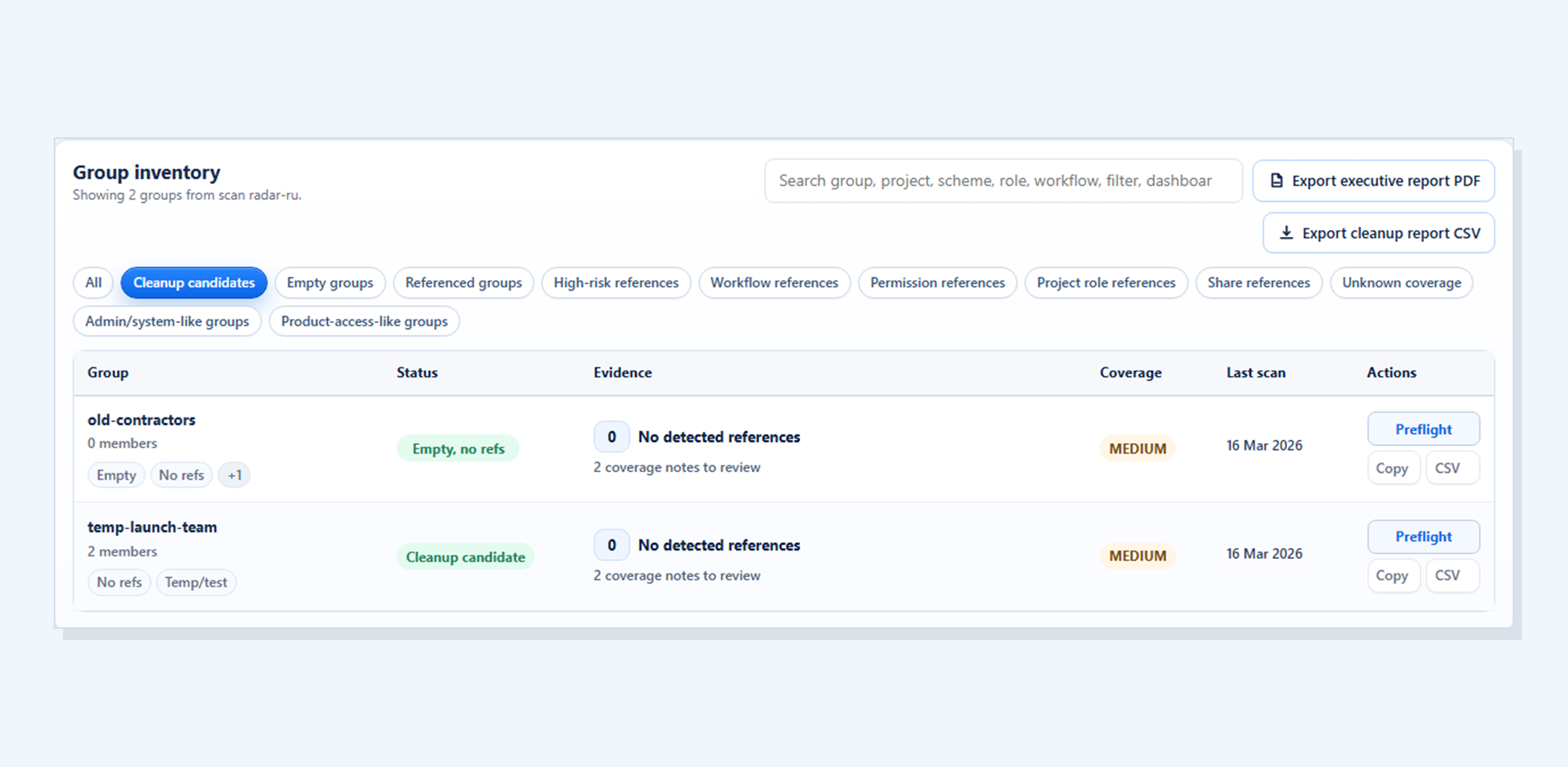
Recheck records whether supported paths changed as planned, remain, changed differently, or are unknown because coverage was insufficient.
This keeps the review practical: what to inspect, why it matters, and what should remain a manual check before any Jira cleanup decision.
This keeps the review practical: what to inspect, why it matters, and what should remain a manual check before any Jira cleanup decision.
This keeps the review practical: what to inspect, why it matters, and what should remain a manual check before any Jira cleanup decision.
The app does not make the Jira change.
Partial coverage warns that some references may still require manual inspection, so the scan does not imply more certainty than the available data supports.
This keeps the review practical: what to inspect, why it matters, and what should remain a manual check before any Jira cleanup decision.
This keeps the review practical: what to inspect, why it matters, and what should remain a manual check before any Jira cleanup decision.
Continue to Group Cleanup Radar for Jira for the current screenshots, trust boundaries, docs, and Marketplace trial link behind this workflow.