- Read Jira users
- See who is in Jira, which groups they are in and who has left, and find a new owner by name.
- Read Jira work
- Find each person's last Jira work, and read the spaces, filters, dashboards, permission schemes, space roles, components and plans they are part of. Also check that you are a Jira admin.
- Write Jira work
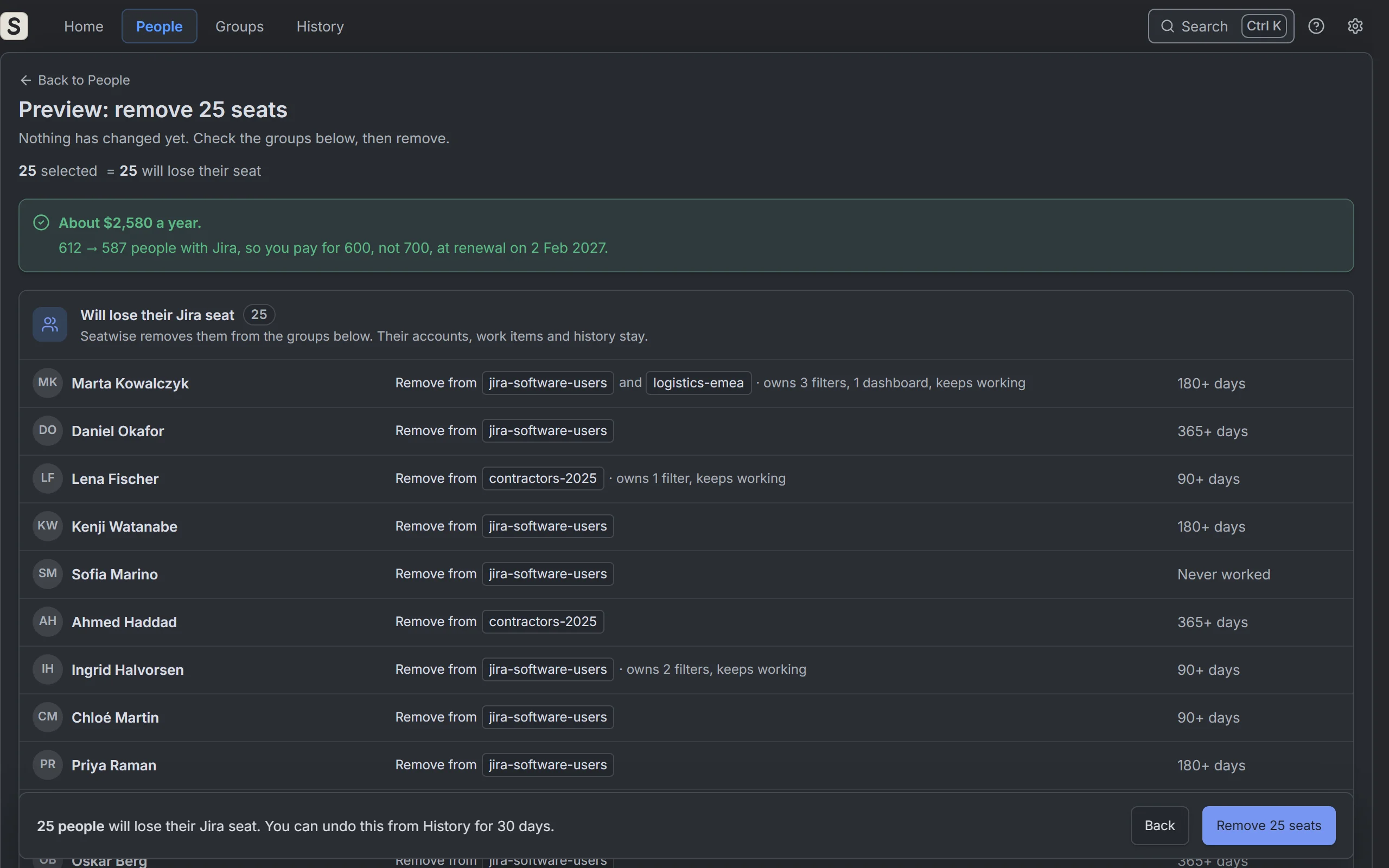
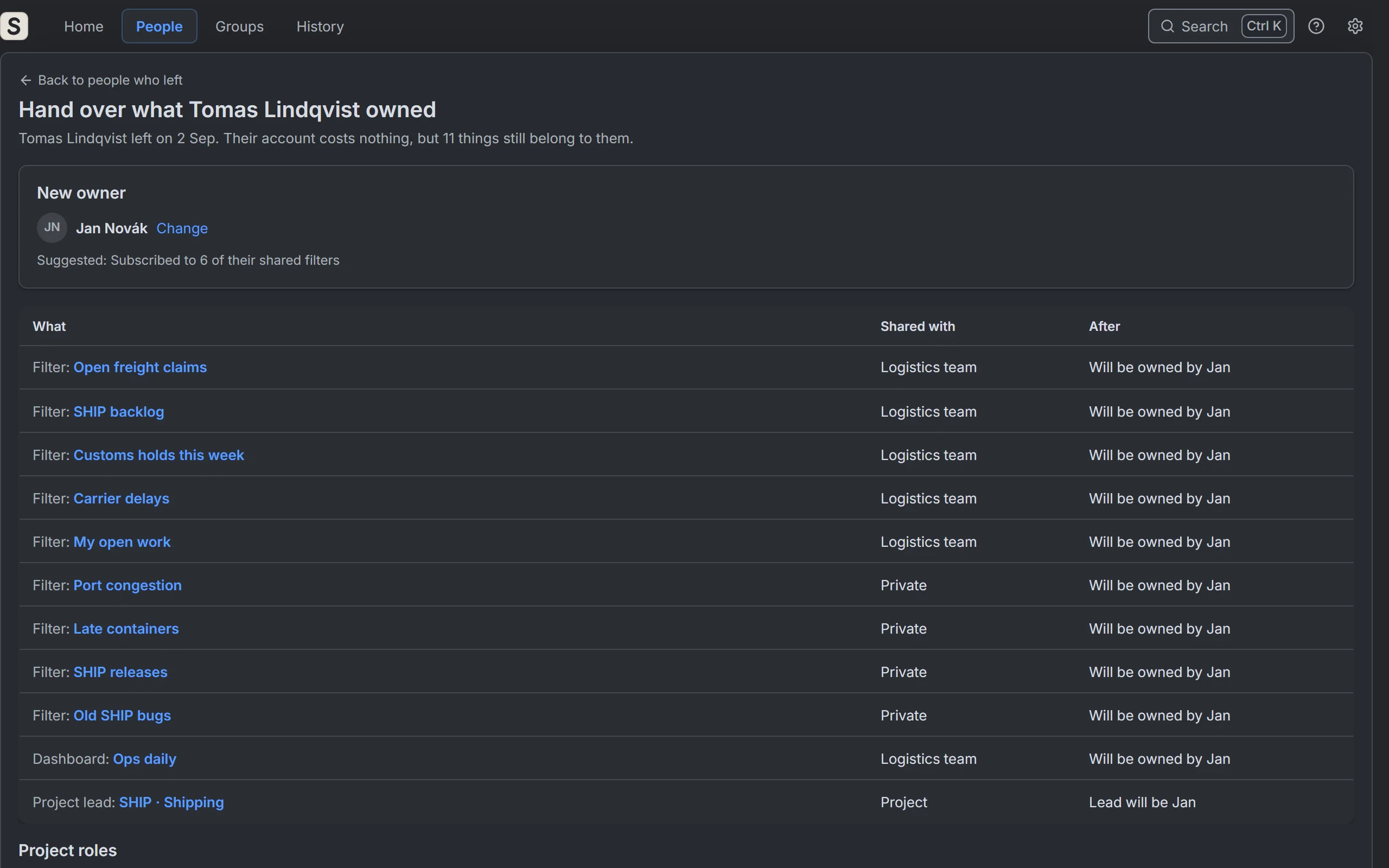
- Give the filters, dashboards, plans and open work items of someone who left to a new owner, when you click Hand over.
- Manage Jira projects
- Make the new owner the space lead or component lead, and take the person who left out of space roles, when you click Hand over.
- Manage Jira configuration
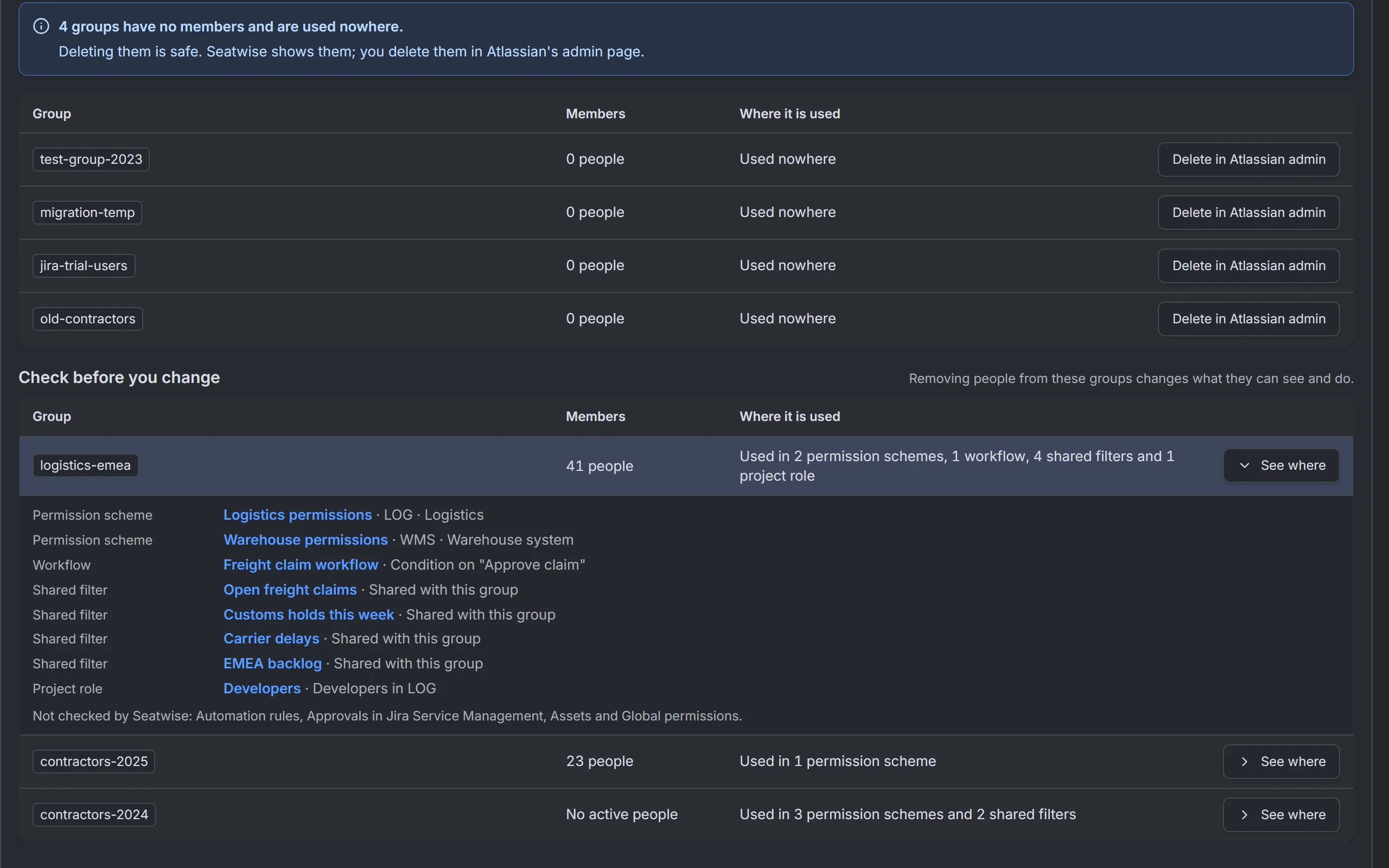
- This one is broad. Seatwise needs it to change who is in a group: to remove people when you click Remove, and add them back when you click Undo. When you hand over, it also makes the new owner the default user of a field that named the person who left. Seatwise changes nothing else with it.
- Read Service Management requests
- List your service desks, so their queues can be checked for groups.
- Store app data
- Check results, your settings, the history of changes and what Undo needs, inside Atlassian.
- Report personal data
- Tell Atlassian about once a week which accounts Seatwise stores, so their data is erased when someone closes their Atlassian account and updated when their name changes.