
Inspect detected direct references and derived role-to-permission paths with source, object, severity, and available Jira destination.
Group Cleanup Radar for Jira
See where a Jira group is used before you change it.
Changing a Jira group can affect roles, permission schemes, shares, workflows, security, and notification context. Group Cleanup Radar shows detected direct and derived paths across supported sources before delete, replacement, or retirement, then lets you Recheck the manual Jira change and watch selected groups over time.
Read-only by designDirect + derived pathsCoverage-aware RecheckSelected-group Watch
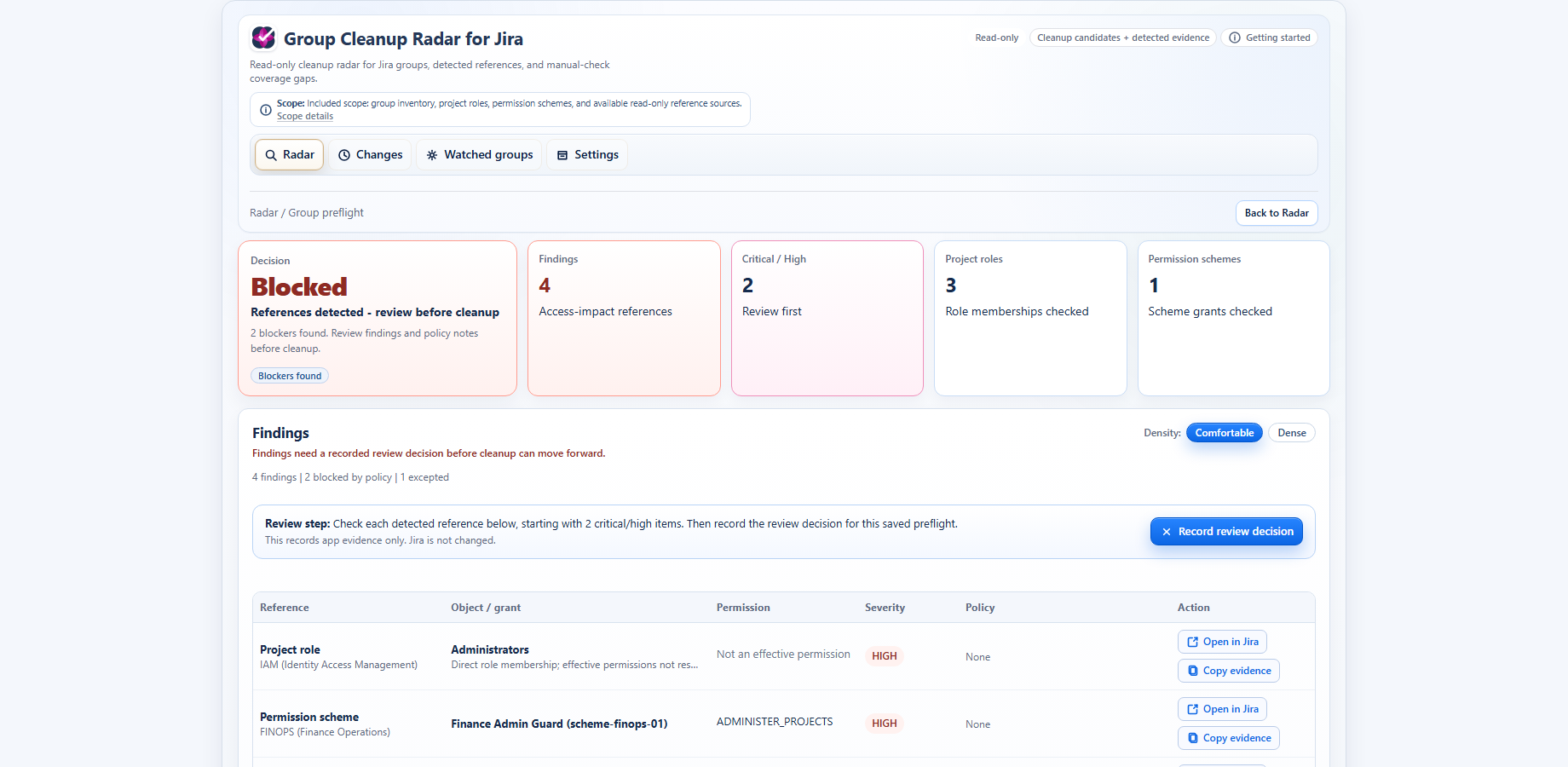
Compare the saved before-state with a fresh scan and record whether supported paths changed as planned, remain, differ, or are unknown.
Weekly checks preserve the last durable result and surface meaningful new paths or coverage regressions without creating no-change noise.
Use it for the group change in front of you
The customer job is the change, not an internal feature name. Group Cleanup Radar keeps the before-state, intended outcome, fresh evidence, and coverage boundary together.
Deleting an old Jira group?
See detected dependencies and coverage gaps before removing it. A cleanup candidate means no references were detected in covered sources, not universal approval to delete.
Replacing or retiring a legacy group?
Record the intended replacement or retirement from the saved before-state, make the change in Jira, and keep remaining old-group references visible.
Changed the group already?
Run Recheck to see which supported paths disappeared, remain, changed differently, or could not be verified because coverage was insufficient.
Managing an important group over time?
Watch the selected group for meaningful new paths, retired-group re-reference, or coverage regression without turning every scheduled check into an alert.
From scan to verified outcome
The app remains read-only throughout. The Jira administrator decides what to change and uses normal Jira controls for the actual change.
1. Scan
Scan the group inventory and supported Jira reference sources. Cleanup candidates, blockers, member signals, and unknown coverage stay separate.
2. Inspect impact
Open one group and review detected source objects, direct references, derived permission paths, severity, and available Jira destinations.
3. Record the plan
Prepare a Delete, Replace, Retire, or Investigate plan from the saved before-state. The app does not make the Jira change.
4. Recheck
After the administrator changes Jira manually, run the same scan engine and compare the supported paths with the intended outcome.
5. Watch
Opt selected groups into weekly checks and surface only meaningful future impact or coverage changes.
Current product screenshots
See the impact and change-verification workflow
These are the same finalized product views prepared for the current Marketplace story.
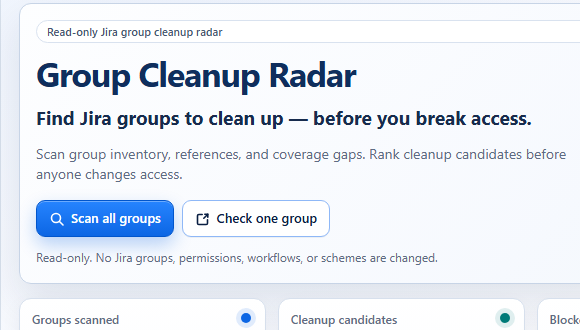
Find risky group usage
Scan Jira groups read-only, rank likely cleanup candidates, and keep detected blockers separate from coverage that still needs a manual check.
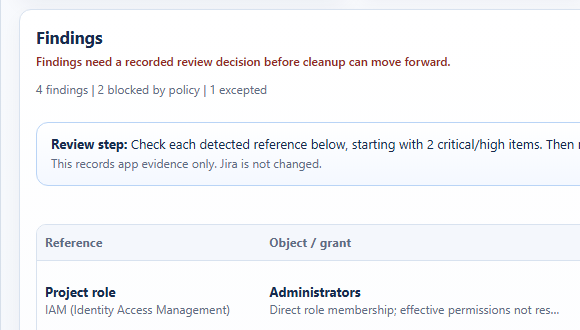
Understand exact impact paths
Review the supported project, role, permission, and share paths that make deletion, replacement, or retirement risky.
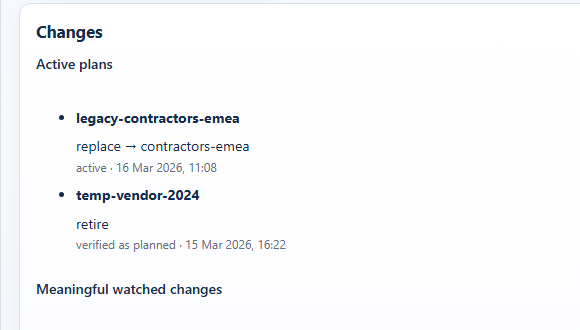
Recheck cleanup outcomes
Compare the saved before-state with a fresh read-only scan and keep meaningful watched-group changes beside the recorded outcome.
Coverage honesty
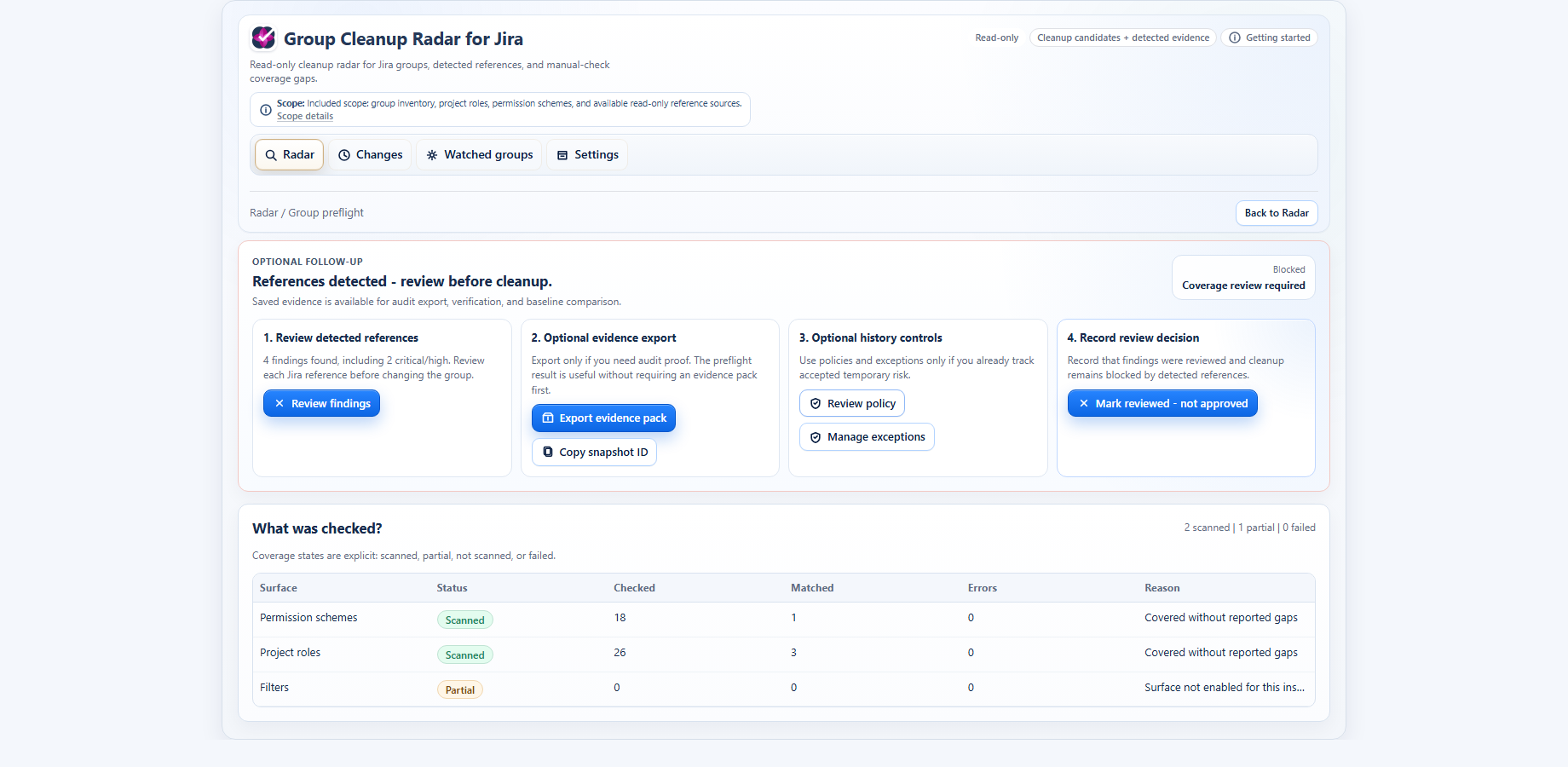
Know what GCR checked — and what it didn't
Coverage is part of the result. Group Cleanup Radar separates covered, partial, unavailable, visibility-limited, and manual-check sources. It does not declare a group universally safe when Jira cannot provide complete evidence.
Continue the evaluation
Use the workflow docs, native Jira comparison, trust information, and support path without losing your route back to the product and Marketplace trial.
Read the workflow docs
Review the scan, change-plan, Recheck, Watch, coverage, and read-only boundaries.
Compare with native Jira
See when native Jira spot checks are enough and what Group Cleanup Radar adds for reverse lookup and follow-through.
Review trust
Confirm Runs on Atlassian status, data handling, read-only behavior, privacy, and support routes.
Ask support
Send a product, security, coverage, or evaluation question to Unitlane support.
FAQ
Questions before changing a Jira group
Does Group Cleanup Radar change Jira?
No. It records the before-state and intended outcome, but it does not delete, replace, retire, or rename groups; modify permissions or schemes; edit workflows; or change identity-provider data.
Does no detected reference mean delete-approved?
No. It means no references were detected in the sources successfully checked. Review partial, failed, unavailable, visibility-limited, and manual-check sources before deciding.
What does Recheck verify?
Recheck compares the saved plan with a fresh scan of supported sources and records whether the observed paths changed as planned, remain, changed differently, or are unknown because coverage was insufficient.
What does Watch monitor?
Selected groups receive weekly checks for meaningful changes such as a new important path, a retired group being referenced again, or a coverage regression. No-change checks do not create change events.
Ready to inspect a Jira group?
Start the Atlassian Marketplace trial for live read-only scans, or use the browser-only manual preflight when you are not ready to install.